How Long Does TSA PreCheck Last, And When Should You Renew?
Advertiser disclosure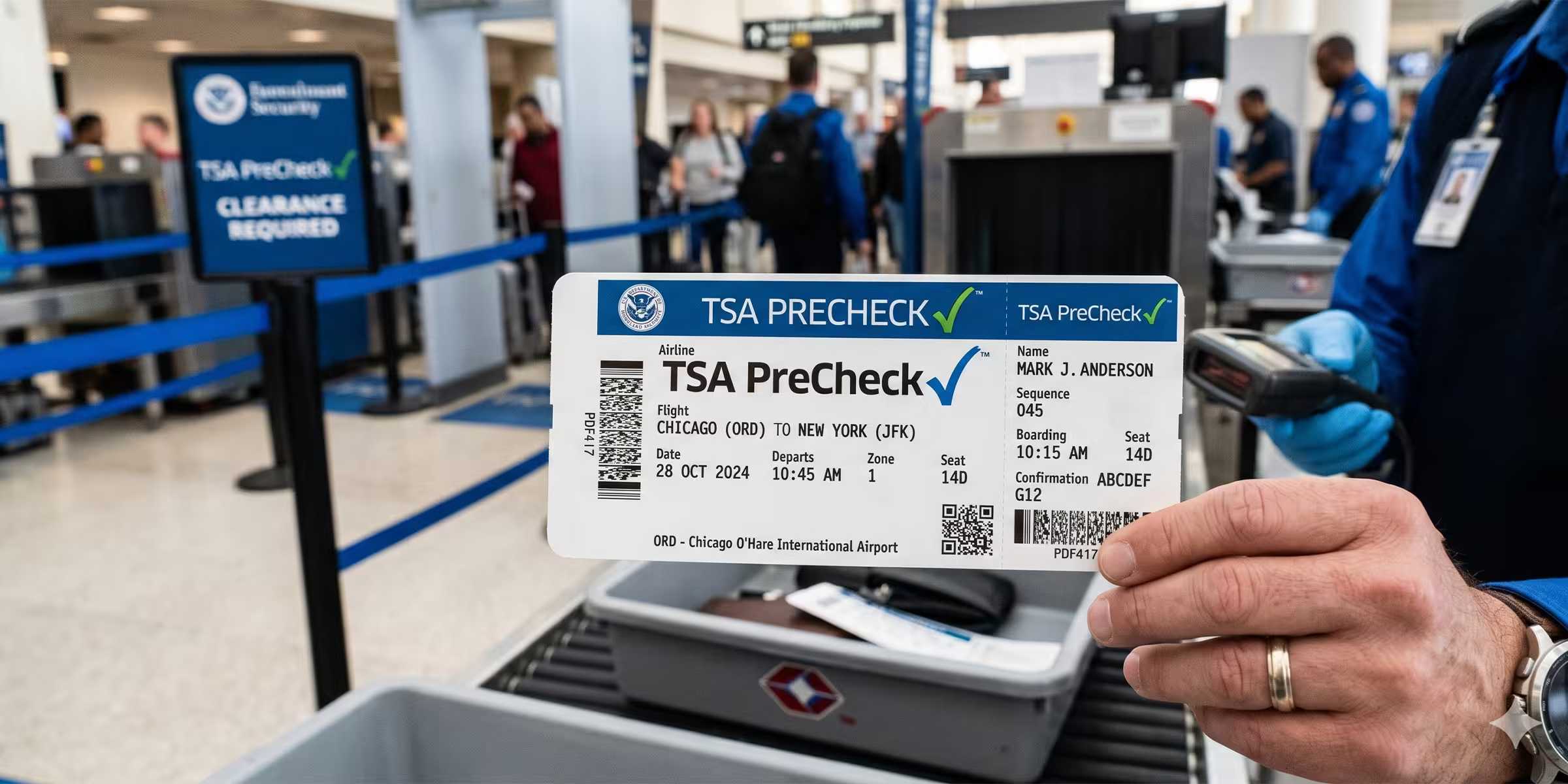



TSA PreCheck membership lasts five years [1], counted from the date your application is approved, not when you attended your enrollment appointment. You can renew online up to six months before your membership expires, and TSA recommends renewing at least 60 days before the expiration date to avoid a gap in benefits [2]. Renewing early does not shorten your current membership, because the new five-year term begins when the current one ends [2].
Here's how the five-year window works, when to renew, what happens if your membership lapses, and how GOV+ can help you stay ahead of the expiration date.
GOV+ is a private company, not affiliated with or endorsed by the Transportation Security Administration (TSA).
How can you check if your TSA PreCheck expired?
You can confirm your membership status and expiration date in two ways. The first is through the TSA PreCheck® KTN Lookup webpage, where you can look up your status with your name, date of birth, and the email address you used to apply [1].
You’ll also be notified before your membership runs out. TSA’s enrollment providers send renewal reminders by email or phone six months, three months, one month, and two weeks before expiration, as long as your contact information is on file [3].
When does your TSA PreCheck membership begin?
Your TSA PreCheck membership begins on the date TSA approves your application, not the date of your enrollment appointment. Most applicants are approved and receive their Known Traveler Number (KTN) within 3 to 5 days, though some applications can take up to 60 days [4].
Your enrollment provider emails you when your application is approved and your KTN is issued.
The PreCheck timeline, from approval to renewal window
Understanding the five-year cycle helps you catch the renewal trigger before it catches you.
The six months between the opening of the renewal window and your expiration date are your buffer. Renewing during this window does not shorten your current membership, because the new five-year term begins when the current one ends [2].
How early can you renew your TSA PreCheck membership?
You can renew your TSA PreCheck membership up to six months before your expiration date. TSA recommends renewing within this window specifically to avoid any gap between membership periods [2]. Renewing early does not shorten your current membership, because the new five-year term begins when the current one ends [2]. For example, if your membership was approved in June 2022, it expires in June 2027. Your renewal window opens in December 2026, and TSA’s recommended deadline falls in April 2027.
Most members can renew completely online, without a new in-person appointment, through any authorized enrollment provider [5]. Online renewal asks for your Known Traveler Number (KTN) and date of birth to verify your identity. You may need to renew in person at an enrollment center if your legal name has changed since you enrolled [5]. As of November 2026, TSA lists online renewal fees of $68.95 to $70 and in-person fees of $70 to $78, depending on the enrollment provider [1].
GOV+ keeps your membership from slipping through the cracks with automatic renewal reminders so your PreCheck never expires without warning. Renew your TSA PreCheck membership.
Does your Known Traveler Number change when you renew?
No. Your Known Traveler Number (KTN) stays the same when you renew TSA PreCheck, even if you renew through a different authorized enrollment provider than the one you first enrolled with [6]. You do not need to update your airline profiles after renewing.
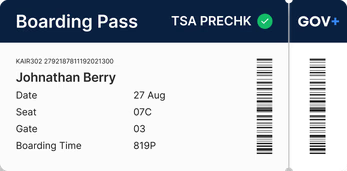
For the TSA PreCheck indicator to appear on your boarding pass, your KTN must be saved in your airline profile and, in some cases, added to each reservation. If the indicator is missing, check that your KTN is entered correctly and that the name and date of birth on your booking match your TSA PreCheck record.
How GOV+ can help with TSA PreCheck renewal
TSA PreCheck lasts five years, and many members can renew online through their enrollment provider without a new appointment. If you’d rather not risk a lapse, GOV+ prepares your renewal and reminds you before your membership expires.
GOV+ makes the process easy:
- One guided form — answer a few questions and we prepare your online application.
- Eligibility check — we compare your answers against TSA's published eligibility rules before you submit.
- Appointment scheduling — we set up any required in-person visits for you.
- Document guidance — we tell you which documents to bring based on your situation.
- Real-time tracking — monitor your application status at every step.
After TSA approves your membership, GOV+ keeps your membership from slipping through the cracks, with automatic renewal reminders.
Renew your TSA PreCheck membership.
Frequently Asked Questions
How long does TSA PreCheck membership last?
TSA PreCheck membership lasts five years from the date your application is approved [1]. Your Known Traveler Number (KTN), the nine-digit identifier that activates the PreCheck lane on your boarding pass, is tied to that approval date.
When should you renew your TSA PreCheck membership?
You can renew TSA PreCheck starting six months before your expiration date, and TSA recommends renewing at least 60 days before it expires to avoid a gap in benefits [2]. Renewing early does not shorten your current membership, because the new five-year term begins when the current one ends [2].
What happens if your TSA PreCheck expires before you renew?
If your membership expires before you renew, your KTN becomes inactive and the PreCheck indicator will no longer appear on your boarding passes [7]. You will proceed to go through standard security screening until you renew or re-enroll. If the membership lapsed recently, some enrollment providers may still offer a standard renewal. If it has been lapsed for more than a year, you may need to re-enroll as a new applicant.
Can you use TSA PreCheck on a flight booked before your membership expires?
No. If your KTN has expired by the date of your flight, the TSA PreCheck indicator will not appear on your boarding pass, even if you booked the trip while your membership was active [7]. Renew before your expiration date to keep access.
References
- TSA PreCheck® Renewals · Transportation Security Administration
- When Should I Renew My TSA PreCheck® Membership? · Transportation Security Administration
- How Will I Know When My TSA PreCheck® Membership Expires? · Transportation Security Administration
- TSA PreCheck® · Transportation Security Administration
- If I Want to Renew With a Different Enrollment Provider, Do I Have to Repeat the In-Person Enrollment? · Transportation Security Administration
- If I Renew With a Different Enrollment Provider, Will My Known Traveler Number (KTN) Change? · Transportation Security Administration
- If My Flight Is Booked but My Known Traveler Number (KTN) Has Expired, Will I Get TSA PreCheck® on My Flight? · Transportation Security Administration