Fastest Way to Complete Your TSA PreCheck Application Online in 2026



The short answer
The TSA PreCheck online application itself takes about five minutes if you have your ID, travel history, and employment details ready. After the online application, new applicants schedule a 10-minute in-person enrollment appointment, submit fingerprints, pay the $85 or less fee, and wait for a Known Traveler Number (KTN) to arrive by email. Renewals can be completed online in under five minutes and do not require an appointment. The fastest way to complete the full process is to prepare your documents first, use an online application that prefills your answers, and pick the nearest enrollment center with open appointments. GOV+ handles the application intake and the appointment booking in one flow, so you can apply for new TSA PreCheck or renew your TSA PreCheck in one sitting. [1]
Why speed matters on TSA PreCheck
The Transportation Security Administration publishes an average Known Traveler Number (KTN) turnaround of 3 to 5 days after a successful enrollment appointment, with most applicants approved in under a week. Some applications are delayed by additional review, which can extend up to 60 days. [2]
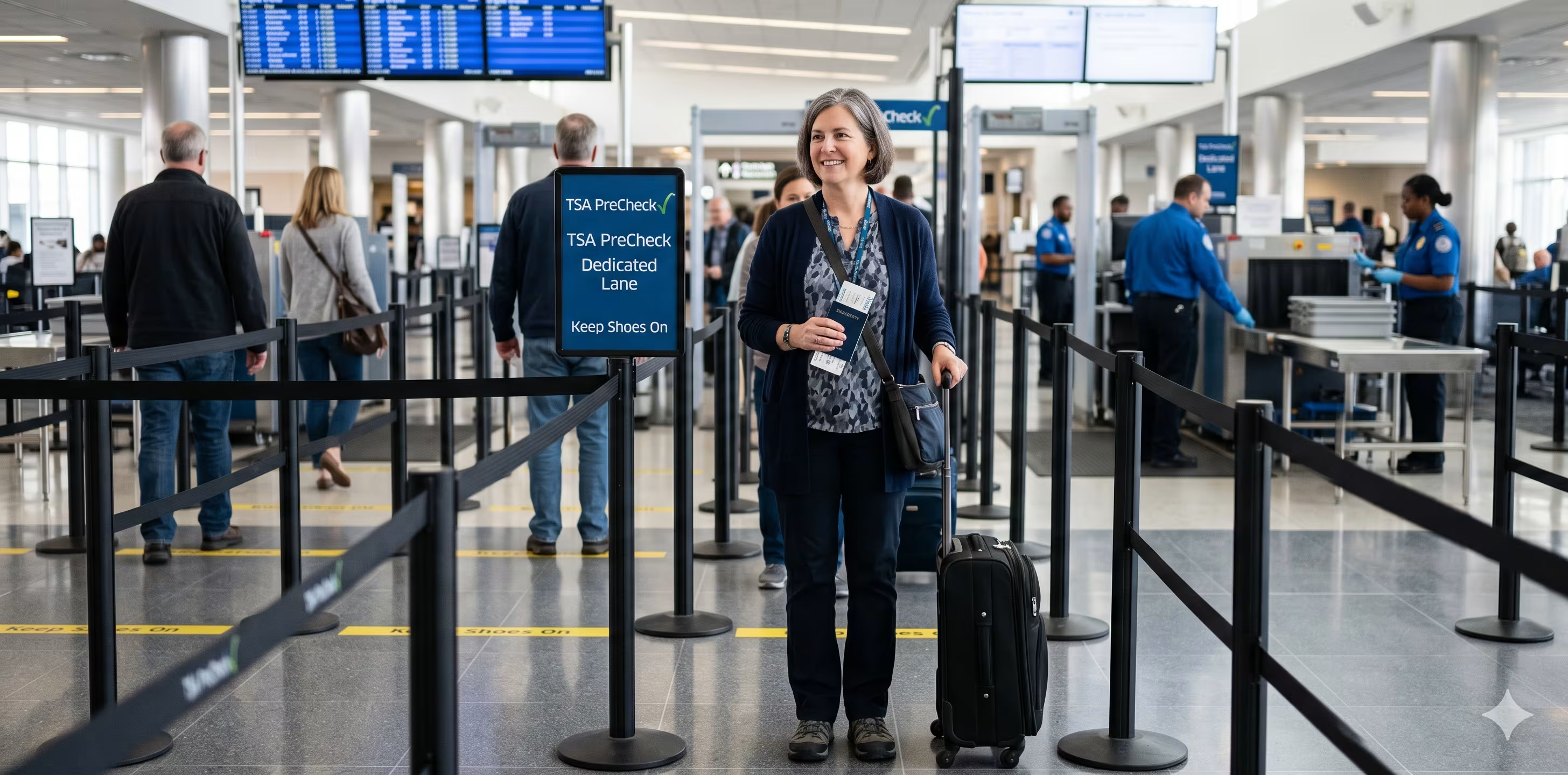
Every shortcut you can take on the application side (complete data, correct answers, no errors, nearest appointment) shaves days off the overall clock. The government processing time is the government processing time, but the pre-appointment stretch and the time it takes to book the appointment are where applicants lose the most days unnecessarily. The benefit on the other side is expedited screening at the TSA checkpoint. Your shoes, belt, laptop, and 3-1-1 liquids stay packed.
Step 1: Have these ready before you start
An online application stalls when you hit a field and realize you need to go find something. Pull these together first:
- Government-issued photo ID: your driver's license or current U.S. passport. This should indicate your current legal name.
- Proof of citizenship or legal status: U.S. passport, U.S. birth certificate, or permanent resident card.
- Payment method: a credit card, debit card, money order, or certified check. The application fee is $85 or less for a new enrollment and is paid in person at the appointment for most applicants. [3]
Step 2: Complete the online application
The online application asks for information on citizenship and residency data, and a handful of yes-or-no background questions. It runs about five minutes if your documents are in front of you. [1]
The online application is only step one. After submission, you are routed to an enrollment center to finish in person (for new applicants) or redirected to payment (for renewals that qualify for fully online renewal).
Step 3: Schedule the in-person enrollment appointment
After submitting the online application, new applicants schedule an in-person enrollment appointment at a TSA-authorized enrollment center. Enrollment centers are operated by three authorized providers: IDEMIA, CLEAR, and Telos, at hundreds of locations around the country including select airports, provider offices, and partner retailers. [4]
The appointment takes about 10 minutes. You bring:
- The application confirmation (digital is fine).
- Your government-issued photo ID.
- Your proof of citizenship or legal status.
- Payment for the $85 or less fee if not already paid.
The enrollment agent confirms your identity, takes a set of fingerprints, and photographs you. That is it.
How to book faster: appointments open in rolling windows. If your first-choice center is booked for weeks, the second-closest is often open the next day. Check multiple centers, and check weekends if weekdays are full. If you’re willing to travel an extra 20 miles to shave two weeks off the wait, it’s worth it.
Step 4: Wait for the Known Traveler Number
After the appointment, you wait for the Known Traveler Number (KTN) to arrive by email. Most applicants receive their KTN within 3 to 5 days. Some applications go into extended review and it can take up to 60 days, usually for background-check clarifications. [2]
Once the KTN arrives, you add it to your airline profiles and any existing reservations. From that point on, your boarding pass should display the TSA PreCheck indicator when you fly a participating airline.
The fastest renewal path
If you already have TSA PreCheck and are renewing, the path is much shorter. TSA PreCheck is valid for five years. You can renew online without another in-person appointment if you qualify, which most applicants do. [5]
The renewal flow is 100% online: log in, confirm your information, pay the renewal fee, and receive a confirmation email. New fingerprints are generally not required on renewal for most applicants, although the agency reserves the right to request them.
GOV+ supports both flows. New applications run through the online application and the appointment booking. Renewals run through the online path end to end.
Fastest path comparison
The GOV+ rows are faster on the application side because the intake prefills once you are in the account, and they are faster on the appointment side because the scheduler surfaces the closest available slots across enrollment centers rather than one at a time.
Where applicants lose time (and how to not)
Mistake: not matching the name on the application to the name on the ID. The enrollment agent will not complete the appointment if the two do not match. If your ID is in a former name and you applied in your current name, you need either a name-change document at the appointment or a corrected application.
Mistake: scheduling the appointment a month out because it is close to home. Expand the radius. Check multiple enrollment centers. A 15-minute drive farther is usually worth three weeks of waiting.
Mistake: filing a TSA PreCheck application when Global Entry would be better. Global Entry covers TSA PreCheck and adds expedited U.S. customs re-entry. If you travel internationally, Global Entry is often the smarter choice for the same enrollment effort, though the fee is $120 instead of $85 or less and the approval timeline can be longer. [6]
Mistake: paying twice. Some credit cards reimburse the TSA PreCheck or Global Entry application fee as a benefit. Check your card issuer before paying out of pocket.
Mistake: assuming military members need to apply. Active-duty military members do not need to opt in for TSA PreCheck and can use their DoD ID number as their Known Traveler Number. DoD federal civilian employees must opt in before using their DoD ID number as their Known Traveler Number. [7]
Will your employer pay for it?
Many companies reimburse TSA PreCheck as a business travel expense. Some include it in corporate travel policies directly. Others reimburse it on request.
A short message to your manager: "TSA PreCheck is $85 or less for five years, or about $16 per year. For a frequent traveler, it saves roughly 20 minutes per flight at security. Reimbursement policy?"
GOV+ can be reimbursed, as long as your employer's policy allows third-party service fees alongside the government fee.
Apply for TSA PreCheck with GOV+
Don't let your PreCheck expire and find yourself back in the standard security line. GOV+ makes the renewal process fast and straightforward. Fill out one easy online form, and we'll make sure everything is in order so your KTN stays active without interruption.
GOV+ makes the process easy:
- Simple online form — no paper forms, no government websites to navigate
- Eligibility check — we confirm you qualify before you start
- Appointment scheduling — we set up any required in-person visits for you
- Document guidance — we make sure you have everything you need to avoid delays
- Real-time tracking — monitor your application status at every step
- 24/7 expert support — get answers fast without waiting on hold
And once you're approved, GOV+ keeps your membership from slipping through the cracks — with automatic renewal reminders so your PreCheck never expires without warning.
Renew your TSA PreCheck membership.
Frequently asked questions
How fast can TSA PreCheck be if I apply today?
Best case: online application today, appointment within two to three days, KTN in about a week. Worst case under normal conditions: application today, appointment in three weeks, KTN in four more weeks. Plan for roughly 30 days from application submission to KTN on your boarding pass. GOV+ can often shorten the pre-appointment stretch by surfacing the closest open slot across enrollment centers rather than checking them one at a time.
Can I fly with TSA PreCheck before my KTN arrives?
No. The KTN has to be on your airline reservation, and the airline has to include it on your boarding pass. Without that, you go through standard TSA screening. Enrollment is not effective until the KTN is issued.
What if my application is denied?
TSA can deny an application for a disqualifying offense or for failing the background check. If denied, you can appeal or request a redress through the Department of Homeland Security's Traveler Redress Inquiry Program (TRIP). [8]
How much does TSA PreCheck actually cost?
$85 or less for a five-year membership. Children under 12 do not need their own TSA PreCheck if they are traveling with an enrolled adult. Some credit cards reimburse the TSA PreCheck fee. [3]
Can I apply for TSA PreCheck and Global Entry at the same time?
Yes, but you should pick one first. Global Entry includes TSA PreCheck, so if you are approved for Global Entry you do not need a separate TSA PreCheck application. If you apply for TSA PreCheck first and later want Global Entry, you apply for Global Entry as a new application. The fee for Global Entry is $120 while TSA PreCheck is around $85 or less.
Does GOV+ book the enrollment appointment for me?
Yes. After the online application, GOV+ shows you nearby enrollment centers with open slots and books the appointment when you pick one. You still have to show up in person with your ID and proof of citizenship.
References
- Transportation Security Administration. TSA PreCheck Application Program. https://www.tsa.gov/precheck
- Transportation Security Administration. TSA PreCheck FAQ. https://www.tsa.gov/precheck/faq
- Transportation Security Administration. TSA PreCheck Enrollment and Renewal Fees. https://www.tsa.gov/precheck
- IDEMIA Universal Enroll. Find an Enrollment Center. https://universalenroll.dhs.gov/locator
- Transportation Security Administration. Renew Your TSA PreCheck Membership. https://www.tsa.gov/precheck/renew
- U.S. Customs and Border Protection. Global Entry. https://www.cbp.gov/travel/trusted-traveler-programs/global-entry
- Transportation Security Administration. TSA PreCheck Benefits for Military and DoD Civilians. https://www.tsa.gov/travel/tsa-cares/military-travelers
- U.S. Department of Homeland Security. Traveler Redress Inquiry Program (TRIP). https://www.dhs.gov/trip